Your Microsoft Technology Development and Consulting Experts - Operating since 2000

Location
Australia WideSydney, NSWMelbourne, VicBrisbane, QldPerth, WAAdelaide, SACanberra, ACTNorthern Rivers, NSWWollongong, NSWRichmond, VicDarwin, NT
emailconsult@officeexperts.com.au
Phone1300 102 810
Office experts logo
Microsoft certified logo
Contact Us
Microsoft LogosMicrosoft Logos

Case Studies

Case Studies

Real problems. Real results.

A selection of the work we've delivered for Australian businesses across Excel, Access, Power Platform and custom Office solutions.

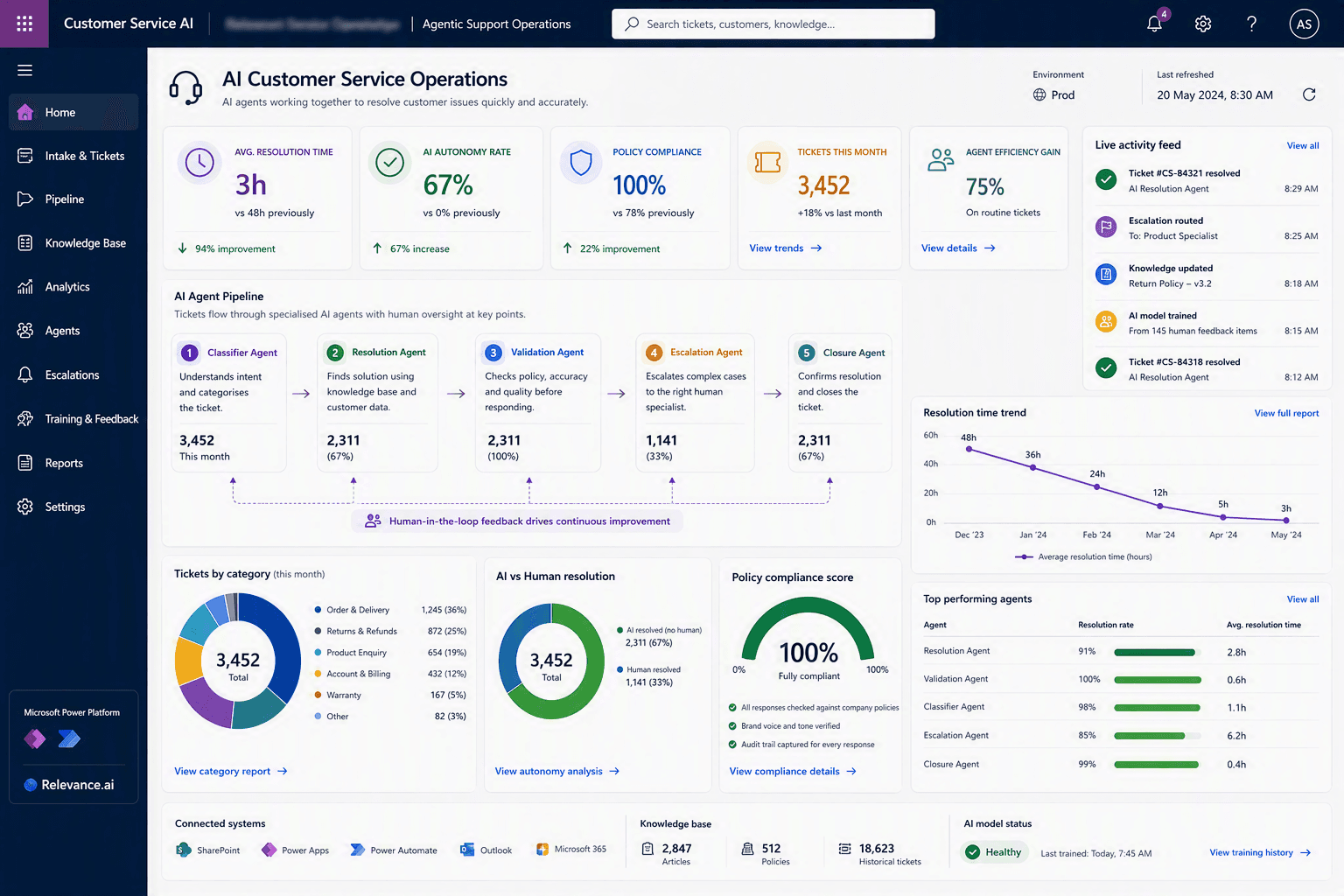
Commercial Manufacturing Company case study
Manufacturing

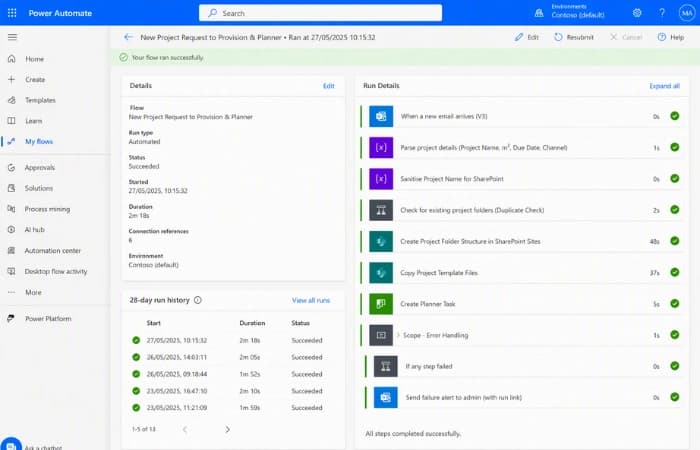
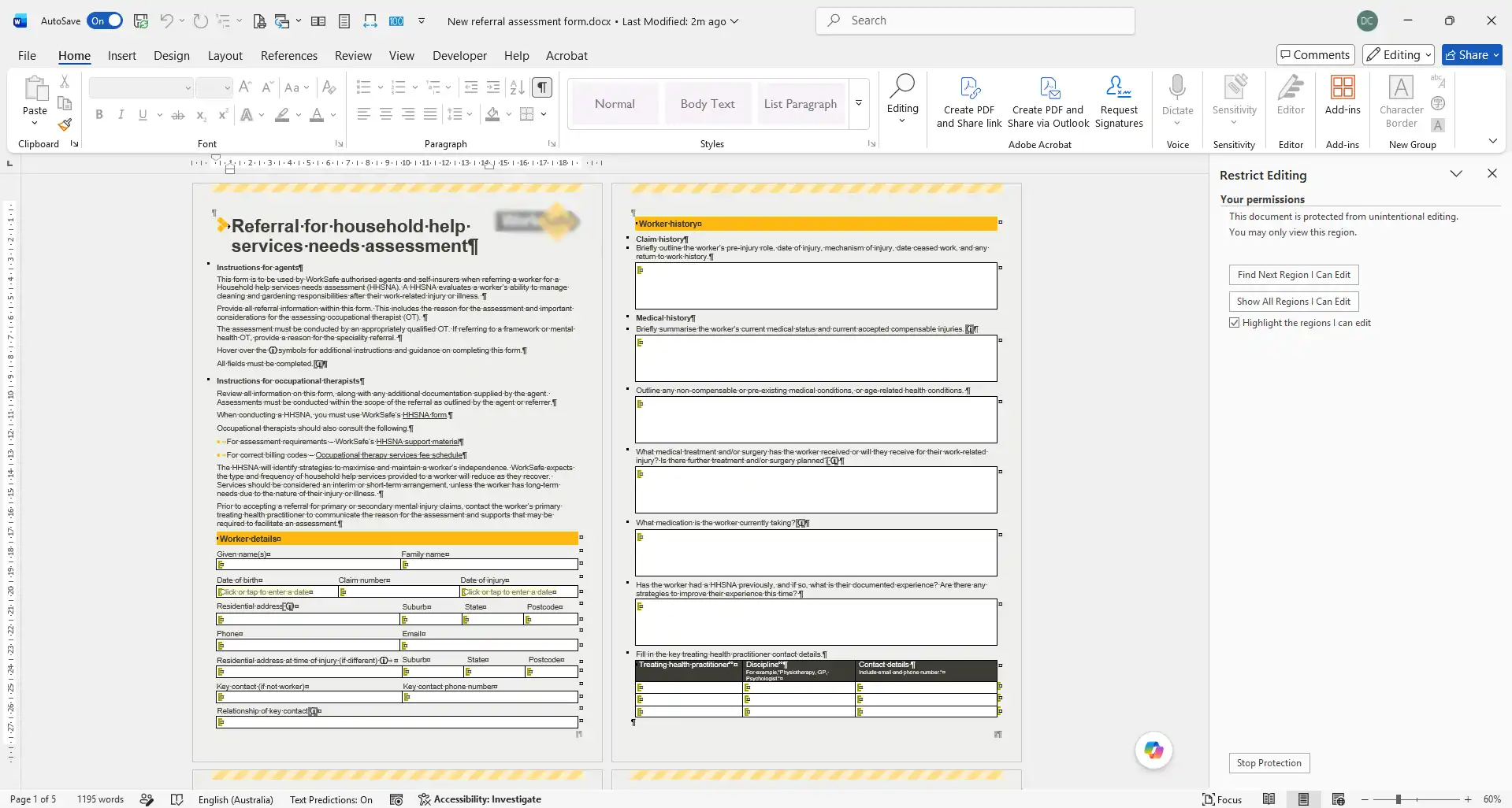
Turning a new project email into a fully built job folder in seconds

A manufacturing client's project setup relied on staff manually creating folders across multiple SharePoint sites, renaming them to match convention, and copying in templates by hand every time a new job was won. We built a Power Automate flow that reads the project details straight from the notification email and does the entire setup automatically.

  • Project setup time cut from roughly 30 minutes to under 1 minute
  • Naming convention errors across SharePoint sites eliminated entirely
  • Built-in error handling flags admins immediately if a step fails
Read the full case study
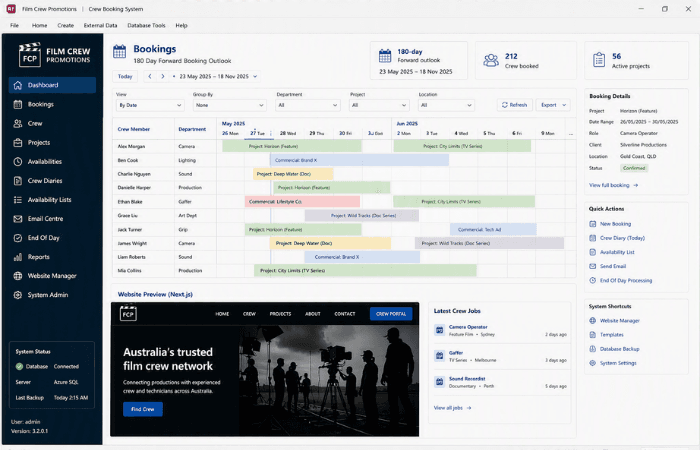
Multi-Site Community Services Provider case study
Community Services

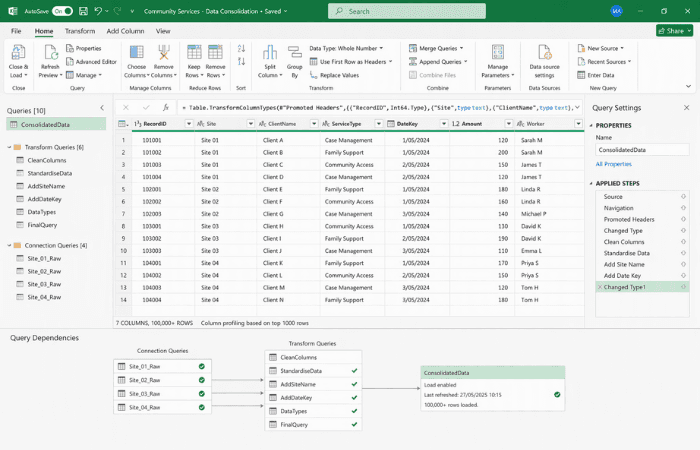
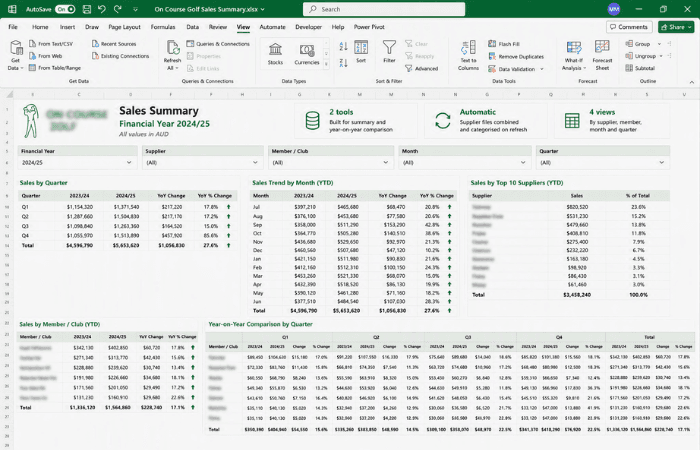
Replacing a 360MB linked spreadsheet with a one-click Power Query refresh

A four-location community services provider had each site keying records into its own workbook, with a central file pulling them together through direct workbook links. The structure had grown past 360MB and thousands of columns wide, and every new reporting breakdown meant hours of manual rework. We rebuilt it as a row-based entry template consolidated with Power Query, migrating all existing data into the new structure.

  • Consolidation of 4 location workbooks reduced to a single refresh action
  • File structure changed from growing sideways to a stable row-based dataset
  • Reporting breakdowns now built by dragging pivot fields, not new formulas
Read the full case study
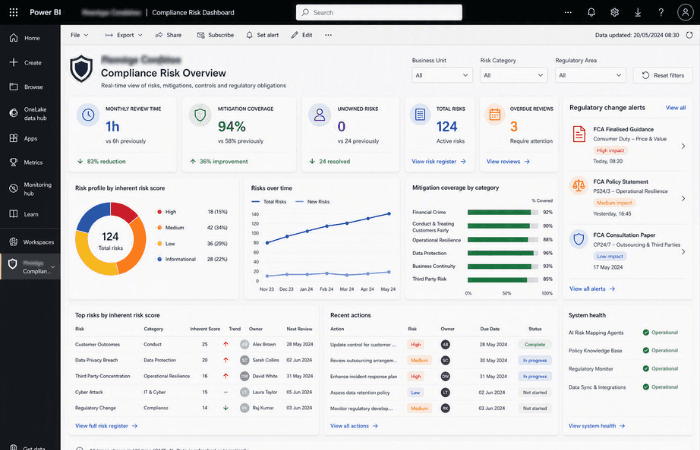
Allied Health Provider case study
Healthcare

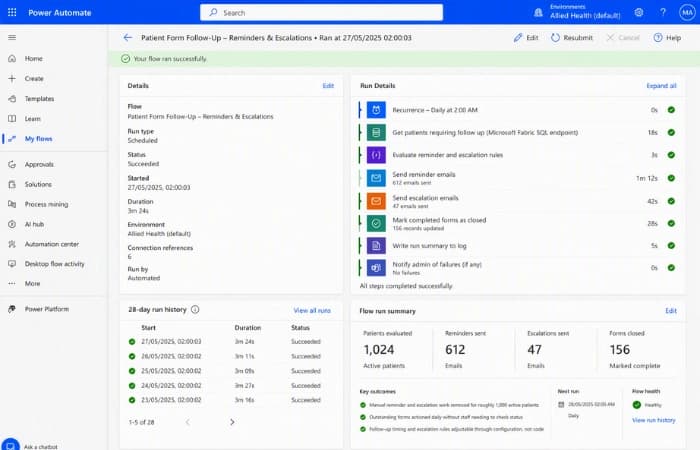
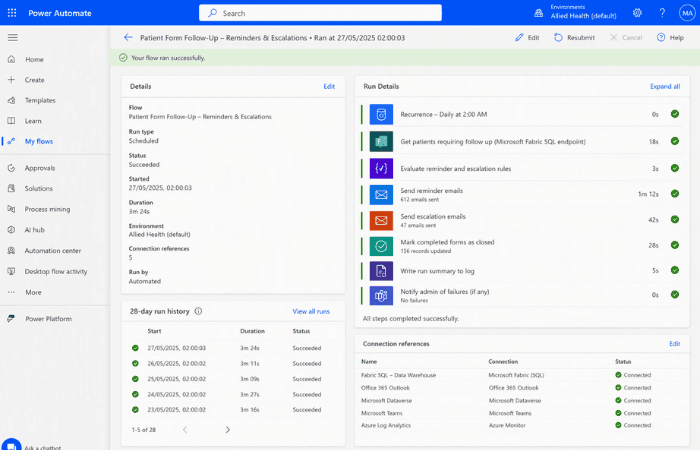
Removing manual form chasing for around 1,000 active patients

An allied health provider was sending intake and milestone forms to every patient but tracking who had and had not responded entirely by hand, pulling clinical staff away from care to send reminders and escalations. We built two scheduled Power Automate flows against the provider's Microsoft Fabric data warehouse that send reminders, escalate overdue cases and close off completed forms automatically.

  • Manual reminder and escalation work removed for roughly 1,000 active patients
  • Outstanding forms actioned daily without staff needing to check status
  • Follow-up timing and escalation rules adjustable through configuration, not code
Read the full case study
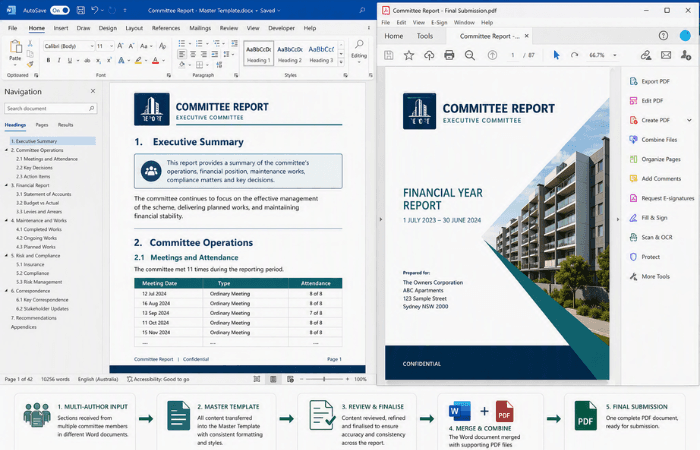
Professional Services Team case study
Professional Services

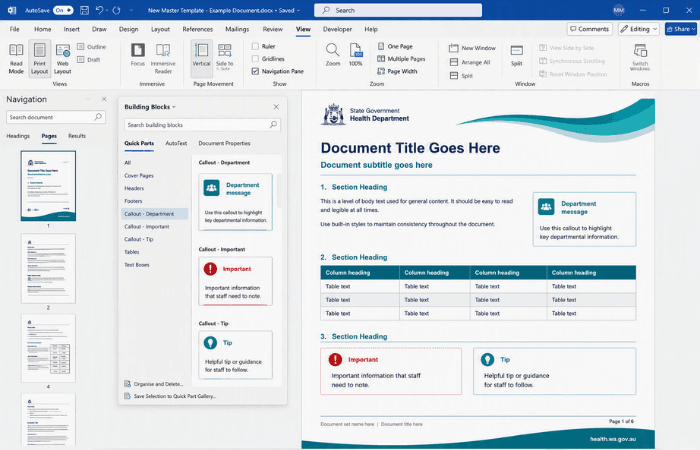
Moving a team off shared logins onto a proper SharePoint foundation

A small team was running their entire email, files and calendar through a single shared login, with a second shared login for their bookings system. Files were treated like a shared drive, versions clashed, and nobody could see who had changed what or be removed cleanly when they left. We ran a series of live SharePoint Foundation Workshops that built a proper site structure, an Owners, Members and Visitors access model, and a plan to retire the shared logins altogether.

  • Access model rebuilt around security groups instead of individual logins
  • Document libraries mapped to how the team actually works, not the old folder tree
  • Clear plan in place to retire both shared logins using proper Microsoft 365 patterns
Read the full case study
Retail Insights Provider case study
Retail

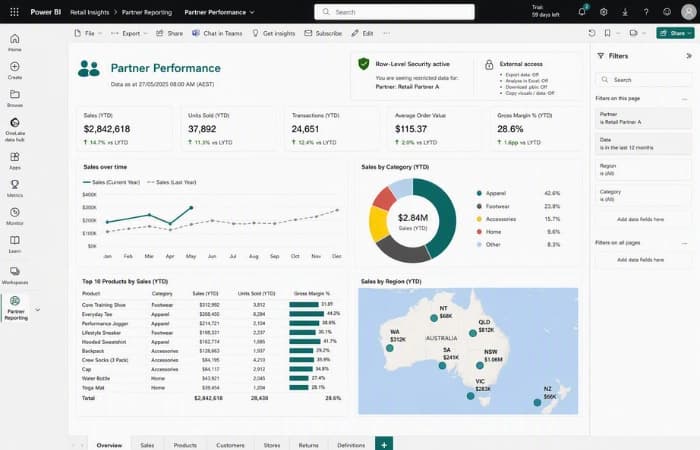
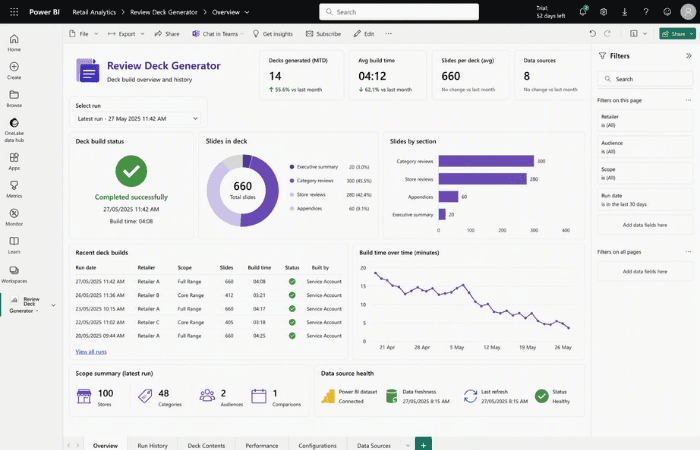
Proving external partners could never see each other's Power BI data

A retail data provider had partner-facing Power BI reports already built, but needed certainty that one wrong setting could not expose a partner's data to another before any external access went live. We reviewed the reports for design and usability, locked access down with Row-Level Security, and tested with a real external account against the client's own figures, matching to the cent, without changing anything the internal team relied on.

  • Partner data isolation tested and verified to the cent, not assumed
  • Export and extraction options closed off for external partners only
  • Adding a new partner turned into a simple, repeatable task the internal team runs itself
Read the full case study

Contact Us

Get in touch with our team for general enquiries and support. We're here to help with any questions you might have about our services.

Request a Quote

Need pricing for a specific project? Fill out our quote form and we'll provide you with a detailed estimate tailored to your needs.