Your Microsoft Technology Development and Consulting Experts - Operating since 2000

Location
Australia WideSydney, NSWMelbourne, VicBrisbane, QldPerth, WAAdelaide, SACanberra, ACTNorthern Rivers, NSWWollongong, NSWRichmond, VicDarwin, NT
emailconsult@officeexperts.com.au
Phone1300 102 810
Office experts logo
Contact Us
Power Platform and excel dashboardsPower Platform and excel dashboards

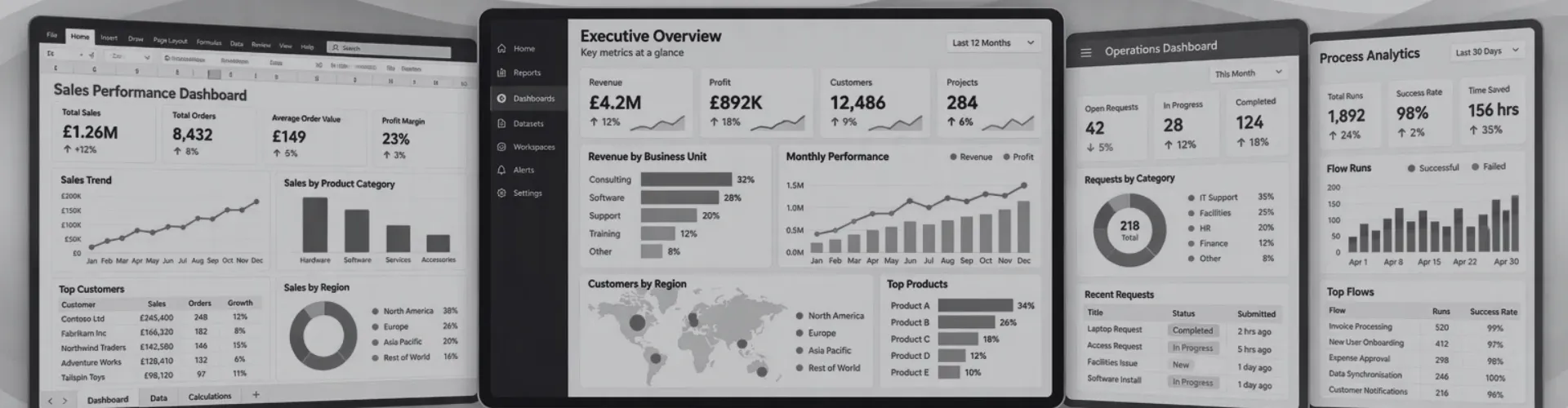
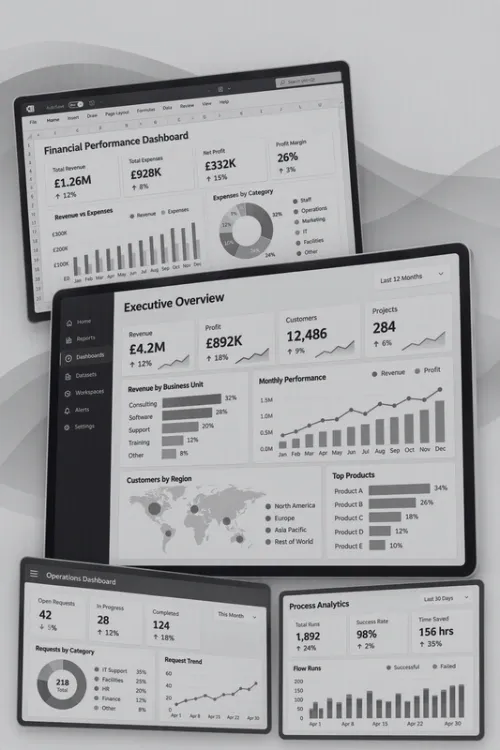
Dashboards and Reporting Solutions

A Picture can paint 1000 words

Your numbers in one place, always up to date.

Most businesses already have the data they need. It's often spread across accounting software, a CRM, spreadsheets and Microsoft 365, and requires someone to spends hour each month exporting and pasting it all together. We build dashboards that do that work automatically, by creating a solid foundation and connectivity between all your data sources, the important decisions are made with live, up-to-date figures.

Our developers build reporting dashboards in Power BI, Excel and custom web applications, and we can now add AI that can further automate data manipulation, watch for problems and answer questions in plain English.

Choosing a platform

Power BI, Excel or a custom web dashboard?

The right tool depends on who needs to see the data, how much of it there is and what you already pay for. We build in all three, so we recommend whichever fits your business rather than the one we happen to sell.

Power BIExcelCustom web app
Best forOrganisation-wide reporting with many users and many data sourcesTeams that already work in Excel and want automated reports without new licencesCustomer or partner-facing dashboards, or reporting inside your own portal
SharingPower BI service, Teams and SharePoint, with row-level securityWorkbooks shared through SharePoint or OneDriveAny browser, behind your own login and branding
Data volumeMillions of rows through import, DirectQuery or Microsoft FabricLarge datasets through the Power Pivot data model rather than worksheet rowsWhatever the database behind it supports, such as SQL Server or Azure SQL
LicensingPower BI Pro or Premium per user, or Fabric capacityIncluded with Microsoft 365No Microsoft licence for viewers, hosting costs instead
Built with
Power QueryDAXFabricSSAS
Power QueryPower PivotPivotChartsVBA
Next.jsReactSQL ServerAzure
Learn morePower BI consultingExcel reporting solutionsCustom app development

Scroll sideways to compare all three.

Data sources

One dashboard, every system behind it.

Collecting data is rarely the problem. Getting it out of separate systems, cleaning it and making the numbers agree is where most of the work sits. We connect each source to a single data model, so every page of the dashboard tells the same story.

Finance and CRM

XeroMYOBSalesforceHubSpot

Live ledger, invoice and pipeline figures instead of monthly CSV exports.

Third-party app integration

Databases

SQL ServerMicrosoft AccessAzure SQLDataverse

Report straight from operational data without copying it into spreadsheets first.

SQL Server and Access integration

Spreadsheets and exports

Excel workbooksSupplier CSV filesSharePoint lists

Consolidate dozens of files into one model that refreshes with a single click.

Power Query data preparation

Microsoft 365

TeamsSharePointOutlookOneDrive

Add document activity, meeting load and collaboration data through Microsoft Graph, giving context your line-of-business systems can't.

Microsoft Graph API integration
AI-powered dashboards

Dashboards that build, watch and explain themselves.

A traditional dashboard still relies on someone opening it and noticing what changed. AI closes that gap. We use Copilot when your licensing already covers it, and custom agents when automation tasks become too complex.

Build

Automated dashboard creation

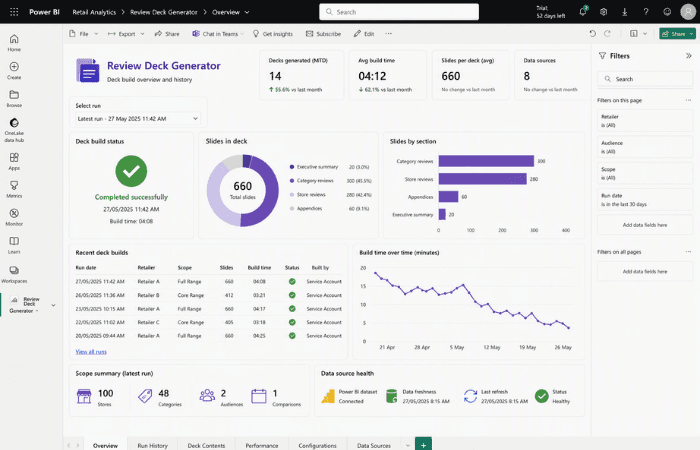
AI profiles your source data, suggests measures and relationships, drafts the DAX and Power Query steps and lays out first-draft report pages in Power BI or Microsoft Fabric. Our developers then check and finish the work, which shortens the slowest part of any dashboard project. For recurring reports, AI writes the monthly commentary so the pack arrives already explained.
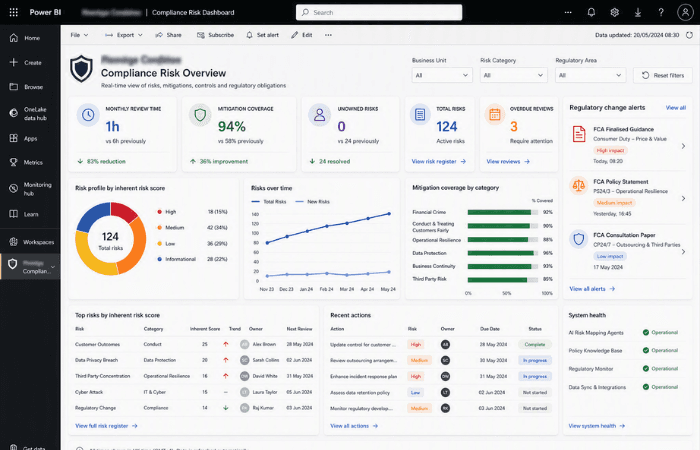
Watch

Real-time monitoring and alerts

An AI agent watches the data as it refreshes, compares it with targets and history, and messages the right person in Teams or email when something moves, with a short explanation of what changed. We built a system like this that cuts competitor response time from two weeks to twelve minutes.

Ask

Plain-English questions

Ask "why did margin drop in Queensland last month?" and get an answer with the figures and a chart, drawn from your own data model. Copilot in Power BI handles this for many reports. For SQL Server, Access or line-of-business data, we build custom AI agents that turn questions into checked queries.

Talk to us about AI dashboards

How real-time monitoring works

  1. Watch

    Data is checked on every refresh, on a schedule or as it streams in.

  2. Detect

    Thresholds and anomaly detection flag movements that fall outside normal patterns.

  3. Explain

    AI drafts a short summary of what changed and the figures behind it.

  4. Notify

    The alert goes to the person responsible in Teams or email, with a link to the dashboard.

Watch a demo

See a dashboard in action.

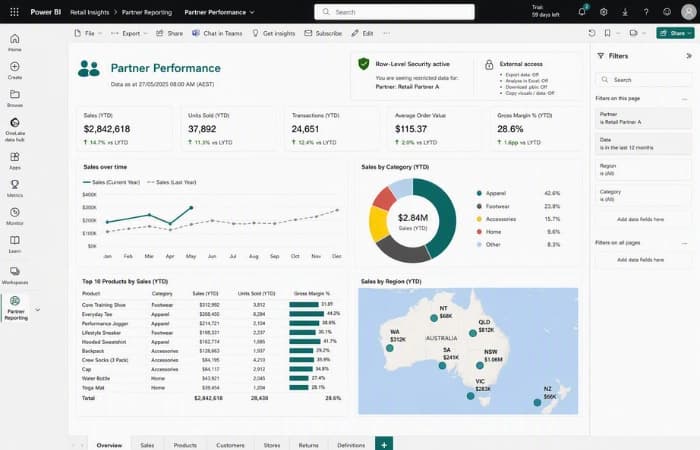
Power BI

Power BI dashboard demo

A walkthrough of an older interactive Power BI dashboard built Office Experts..

Excel

Excel dashboard demo

An Excel dashboard built by our team, Scott showcases some of the abilities inside Excel.

Case Studies

Dashboard and reporting projects we've delivered

Frequently Asked Questions

Q1.

How much does a custom dashboard cost?

Cost depends mainly on how many data sources need connecting, how clean that data is and how many report pages you need. A single-source Excel or Power BI report is a small project, while a multi-system dashboard with AI monitoring is larger. After a free consultation we give you a written quote before any work starts.
Q2.

Should we use Power BI or Excel for our dashboard?

Excel suits smaller teams who already work in spreadsheets and want automated reporting without new licences. Power BI suits reporting shared across an organisation, larger datasets and secure sharing through Teams and SharePoint. If your viewers are customers or partners outside your business, a custom web dashboard is often the better choice. We build all three and will recommend the one that fits.
Q3.

Can a dashboard update in real time?

Yes, within limits set by the platform and your licensing. Power BI Pro allows up to 8 scheduled refreshes a day and Premium or Fabric capacity allows up to 48. For live figures we use DirectQuery against your database, or Microsoft Fabric for streaming data. Custom web dashboards can show data the moment it changes.
Q4.

Can AI answer questions about our dashboard data?

Yes. Copilot in Power BI lets people ask questions in plain English and returns answers and visuals from your data model, though it needs a paid Fabric or Premium capacity. Where Copilot isn't available or doesn't fit, we build custom AI agents that answer questions over SQL Server, Access or other business data and show the figures behind each answer.
Q5.

Is our data safe if we add AI to our dashboards?

We design AI features to respect the permissions you already have. Agents can run inside your own Microsoft 365 or Azure tenant, follow row-level security so people only see data they're allowed to, and avoid sending data to services you haven't approved. We document where data goes before anything is built.
Q6.

Can you connect Xero, MYOB or Salesforce to a dashboard?

Yes. We regularly connect accounting and CRM platforms including Xero, MYOB, Salesforce and HubSpot, along with SQL Server, Access, SharePoint and Excel files. All sources are brought into one data model so figures match across every page.
Q7.

Do dashboards work on phones and tablets?

Power BI dashboards can have a dedicated mobile layout so key figures and alerts are easy to read on a phone, while the full report stays available on desktop. Custom web dashboards are built responsive from the start. Excel dashboards are best viewed on a laptop or desktop.
Q8.

Can you fix or take over a dashboard someone else built?

Yes. We often take over reports built by former staff, other consultants or with AI tools that got part of the way and stalled. We review the data model, fix slow or incorrect measures, document how it works and then extend it.

Contact Us

Get in touch with our team for general enquiries and support. We're here to help with any questions you might have about our services.

Request a Quote

Need pricing for a specific project? Fill out our quote form and we'll provide you with a detailed estimate tailored to your needs.