Your Microsoft Technology Development and Consulting Experts - Operating since 2000

Location
Australia WideSydney, NSWMelbourne, VicBrisbane, QldPerth, WAAdelaide, SACanberra, ACTNorthern Rivers, NSWWollongong, NSWRichmond, VicDarwin, NT
emailconsult@officeexperts.com.au
Phone1300 102 810
Office experts logo
Microsoft certified logo
Contact Us
Microsoft 365 Copilot integrationsMicrosoft 365 Copilot integrations

Microsoft 365 Copilot Consulting and Deployment

365 Copilot

Forget the Ai Hype...
See real productivity gains.

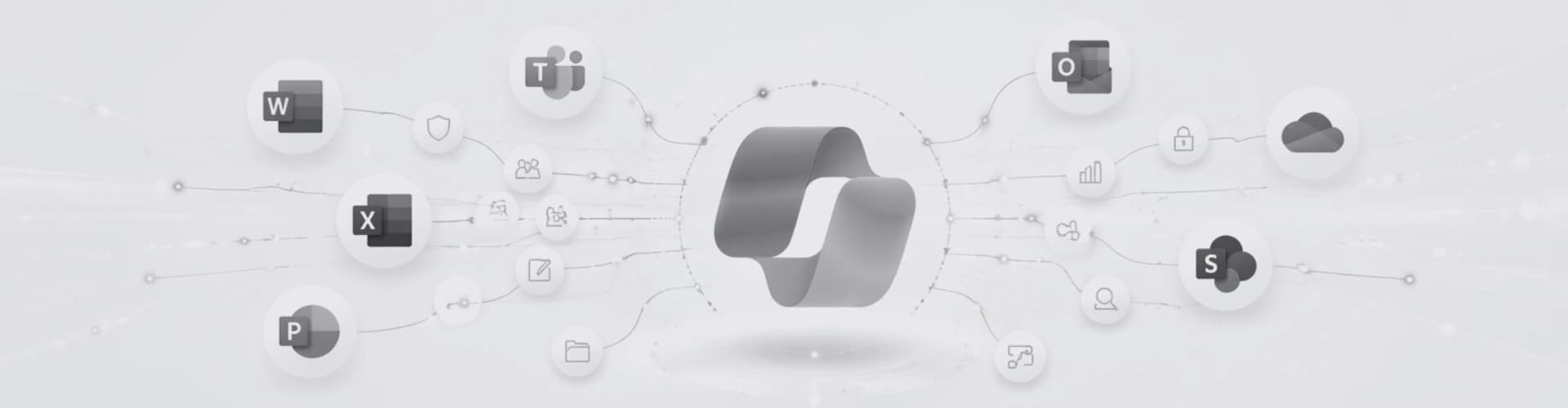
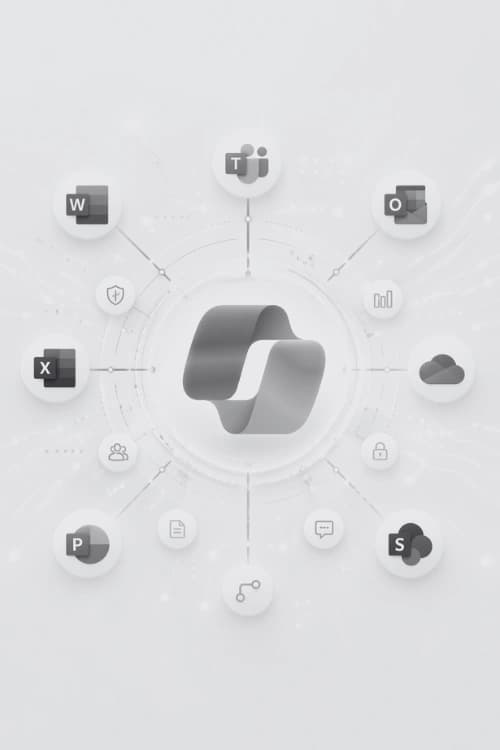
Microsoft 365 Copilot has been built to sit inside your Office apps, it taps into your company’s data through Microsoft Graph, it's not just another ChatGPT interface, Copilot can read your emails, files, and dashboards. It is designed with security at the forefront, enabling organisations to allow AI deep into their systems without giving away all their data.

But rolling out Copilot isn’t as simple as switching on a licence. Your data governance has to be in shape, SharePoint permissions need to be sorted, and your team needs to know how to ask Copilot the right questions. If you don't lay down the ground rules, you risk unleashing a beast that hallucinates on the wrong information or just simply delivers disappointing results.

We help businesses get Copilot up and running, starting with a readiness assessment and moving through setup, staff training, and even ongoing support. With Microsoft consulting experience dating back to 2000, we have the knowledge to set the foundations for companies looking to move into natural language queries and powerful automations in the work space.

Get a Free Assessment
Copilot works inside
Your files, emails, meetings & calendars can now be securely managed with Copilot's latest features.
Copilot in action

What Microsoft 365 Copilot actually does.

So we know that Copilot runs in the heart of the existing Office apps. But if it’s not just a chatbot sitting in a corner, how does it work?

01Documents & Drafting

Microsoft Word

For inspiration, correcting grammar or even final drafts, many people are already using LLM's to help with document creation, but Copilot integrated into Word not just saves time copy and pasting text from one window to another. Copilot is a fully context aware partner that can be taught to follow your own document standards. If your business has the right templates and tools in place, Copilot creates meaningful, useable material, not just more Ai slop.

When your business already relies on branded templates or advanced document systems, our consultants ensure Copilot enhances the process rather than destroying it.

Word experts
02Data & Analysis

Microsoft Excel

Copilot makes advanced spreadsheet work far more approachable for everyday users. Staff can ask questions in simple English to do what once only advanced 'power user's' could accomplish. Copilot, could you analyse trends from last months sales? Create monthly reports based on the data for our shareholders? Yes now it can, excel spreadsheets are now fully ingestible, editable and even created out of thin air by Ai.

Our Excel specialists help businesses integrate Copilot into existing dashboards, reporting systems, and macro-driven workbooks. We set the parameters and functionality to allow advanced functionality without needing to constantly reach out for an industry expert.

Excel experts
03Automation & Intelligence

Microsoft Power Platform

Copilot across Power BI, Power Apps, and Power Automate dramatically accelerates development and reduces build time more then any legacy application could. Teams can generate workflows, build dashboards, create applications, and connect data sources using conversational prompts instead of traditional coding methods. Long hours of coding and debugging are replaced now with a few easy prompts and a few clicks.

Letting Copilot loose on your data without the right preparation is like putting a bull in a China shop. With great power comes great responsibility. Our Power Platform team ensure that Copilot is used in a way that is both effective and safe.

Power Platform experts
04Email & Productivity

Microsoft Outlook

For most of us, the dreaded email inbox consumes a significant part of the workday. Copilot in Outlook helps reduce that burden by summarising conversations, drafting responses, extracting action items, and highlighting the messages that genuinely require attention. Futher integrations can automatically triage emails to the right people or even respond with accuracy built on accumulated knowledge of your team.

When combined with a well-structured Microsoft 365 environment, Copilot can help teams communicate more consistently while cutting down time spent managing inboxes.

Microsoft 365 services
05Meetings & Collaboration

Microsoft Teams

Besides emails, Teams is the next app we find ourselves spending hours of each day communicating with. Copilot transforms Teams meetings into searchable, actionable records of work. It can capture decisions, generate summaries, track follow-up tasks, and help staff catch up on missed discussions without replaying entire meetings or relying on scattered notes.

Our Microsoft 365 consultants help businesses integrate Copilot into Teams so that the information discussed can be summarised, centralised and available for quick reference. Teams is not going anywhere soon, and Copilot can help make it a central hub of information, rather then a glorified digital boardroom.

Microsoft 365 services
Your benefits

Some teams see bigger leaps.

Copilot can help almost anyone, but the strongest impact lands where repetitive knowledge work and data analysis eat up the most hours.

Team benefits

  • 01

    Knowledge workers & admin staff

    Word · Outlook · Teams

    Anyone living in Word, Outlook, and Teams sees the benefits instantly. Copilot slashes the time spent on drafting, summarising, and formatting. First drafts that took an hour now take minutes. Meeting notes land in your inbox without you lifting a finger.

  • 02

    Finance, operations & reporting teams

    Excel · Power BI

    Excel Copilot is like adding another analyst to the team. With natural language commands, automated reports, and instant insights, you don’t need to rely on one spreadsheet expert. Everyone can interrogate the data and get answers back. For complex setups, our consultants create solutions combining Copilot with pivot tables, macros, and Power BI.

  • 03

    Executives & senior managers

    Teams · Outlook · Excel

    Copilot surfaces what matters to you in particular. You might want meeting recaps, priority email summaries, and or data answers. No more digging through the weeds before a decision can be made.

  • 04

    Marketing & comms teams

    Word · PowerPoint

    Get a fast start on content with Word, polish the tone on the fly, or spin up presentations in PowerPoint. Copilot doesn’t replace your writers, but it does give them a head start and an easy way to refine their message.

  • 05

    Australian SMBs on Microsoft 365

    All Apps

    Most small and medium businesses aren’t using everything in their Microsoft 365 subscription. Copilot is where value starts showing up. If you’re on Business Standard, Business Premium, E3, or E5, you’re already most of the way there.

What we deliver

No one-size-fits-all. Every project has its quirks.

We generally don't see good results with cookie-cutter Copilot rollouts. Every project we take on starts with learning about your company’s current systems and day-to-day operations. A little bit of fine tuning goes a long way...

01

Readiness Assessment

We check everything before Copilot goes live.

Before Copilot is let loose on your data, we check over your current Microsoft 365 setup. Data governance, security, SharePoint permissions, the lot. Copilot uses Microsoft Graph to see your organisation’s data, so it needs the right level of access. If permissions are not set correctly Copilot may end up showing private info to the wrong people. When SharePoint is a mess Copilot’s answers can’t be trusted. We spot and fix these problems before they become a nasty surprise.

Deliverables
  • Data governance review
  • SharePoint permissions audit
  • Security and compliance check
  • Readiness report with recommendations
02

Deployment & Configuration

Licences, tenant setup, permissions, compliance.

We can take care of all the nuts and bolts, provisioning licences, setting up your Microsoft tenant, aligning permissions and data loss policies, and ensuring everything meets compliance standards in your industry. This is where Microsoft's built in security and compliance tools really shine. Your operational heirachy is most likely already in place, we can take this information and make sure Copilot stays on track.

Deliverables
  • Copilot licences provisioned
  • Tenant and permissions configured
  • Data loss prevention policies aligned
  • Compliance standards verified
03

Training & Adoption

Targeted sessions for your actual teams.

The Australian Public Service trialed Copilot with government departments and found that prompt training made the single biggest difference in results. Watching a generic demo can help, but we can run targeted sessions tailored to your teams specific setup. Ongoing training can be provided remotely and documentation can provide answers for new staff.

Deliverables
  • Role-specific training sessions
  • Prompt engineering workshops
  • Adoption tracking and reporting
  • Quick-reference guides for each team
04

Ongoing Support & Optimisation

We don't just forget about you.

Microsoft adds Copilot features every month. Apps update, tasks evolve, and best practices shift. We guide you through these changes, track how your staff use Copilot, spot where it’s underused, and tweak things as you grow. Our goal is to help your team get better, faster, and more comfortable with Copilot over time.

Deliverables
  • Monthly feature updates reviewed
  • Usage tracking and insights
  • Underutilisation flagged and addressed
  • Ongoing prompt and workflow refinement
05

Integration with Your Microsoft Stack

All the hens come home to roost.

Here’s where we’re different. If you already have VBA automations, custom add-ins, Access databases, Power Automate flows, or SQL Server links, we make sure Copilot fits in with these legacy systems. Other consultancies avoid these custom Office solutions as complexity can get out of hand real quick. Not only have we done it for over 25 years, but we have an entire team of developers who specialise in certain applications.

Deliverables
  • Existing automation compatibility audit
  • Copilot integration with custom solutions
  • VBA and add-in coexistence verified
  • Power Automate flow alignment
Licensing

Copilot Licensing for Australian Businesses

Microsoft 365 Copilot is an extra licence you add to your existing Microsoft 365 plan. Firstly you need a qualifying plan such as Business Basic, Business Standard, Business Premium, E3, or E5, plus the Copilot add-on.

Microsoft pricing is notoriously difficult to gauge on first glance, be sure to check out Microsoft's official pricing page for up to date information, or speak with one of our consultants for help deciding on the best plan for your business.

FromAU$32.90/user/moExcl. GST · Billed annually
Get started

Free Copilot assessment... No strings attached.

We’ll look at your Microsoft 365 environment, let you know if you’re ready for Copilot as is, and lay out the deployment costs. No sales pitch, just straightforward advice from people who’ve been working with Microsoft tech for 25+ years.

  • Review your Microsoft 365 setup
  • Confirm Copilot readiness
  • Identify highest-value teams and roles
  • Provide a clear deployment cost estimate

Contact Us

Get in touch with our team for general enquiries and support. We're here to help with any questions you might have about our services.

Request a Quote

Need pricing for a specific project? Fill out our quote form and we'll provide you with a detailed estimate tailored to your needs.