
 consult@officeexperts.com.au
 1300 102 810

AI Email Triage
Let AI read the inbox, so your team doesn't have to
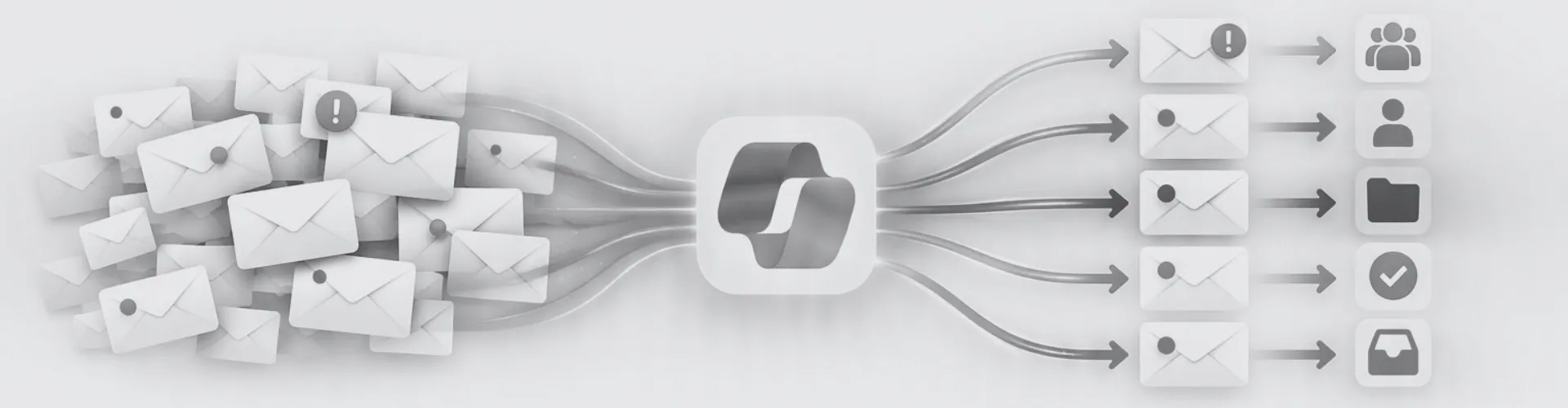
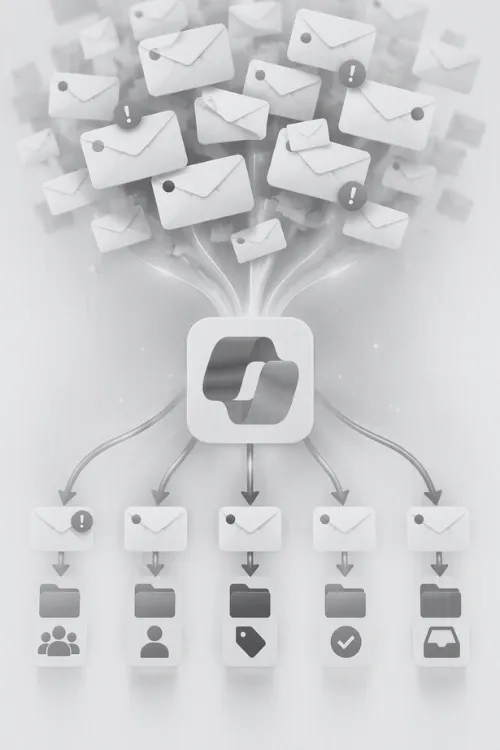
Stop reading every email to find the ones that matter. We build AI email triage that reads, sorts, prioritises and routes your incoming mail automatically, using the Microsoft 365 tools you already own or fully custom AI agents coded around your process.
- Microsoft specialists since 2000
- Australia-wide
- Remote or onsite support
What is AI email triage?
Email triage is the job of deciding what each incoming email is, how urgent it is, and who should deal with it. In most businesses that job falls to a person who opens the shared inbox every morning and works through it by hand.
- From: A customer
“The invoice you sent is wrong”
Billing dispute · HighRouted to Accounts with the invoice number extracted
- From: A client
“Our site is down”
Outage · UrgentEscalated straight to the support team in Teams
- From: A supplier
“Our spring product newsletter”
Newsletter · LowFiled and summarised for later
AI email triage hands that first pass to artificial intelligence. Outlook rules and Copilot prioritisation are excellent when the criteria are fixed and known, such as a particular sender, a keyword or a set of named clients. AI triage works differently: a language model reads each email the way a person would, so it can pick up intent even when the wording changes every time. It then takes action: categorising, moving, flagging, creating a task, logging a record or alerting the right team.
The result is a shared inbox that sorts itself, faster responses on the emails that count, and staff who spend their day on work rather than on the inbox.
Three ways to automate email triage
There's no single “right” way to triage email with AI. The best approach depends on your inbox volume, how many people share the mailbox, what should happen to each email once it's sorted, and which systems and licences you already have. Two approaches use Microsoft 365 tools; the third is fully custom code.
- Built-in Microsoft tools
Copilot in Outlook
Best for: Individuals and managers drowning in their own inbox.
If your team already has Microsoft 365 Copilot licences, much of the personal triage is already switched on. It just needs configuring. Copilot's Prioritise feature scores new mail as high, normal or low priority as it arrives, and can be taught your own rules in plain English, such as emails from key clients or those mentioning a particular project. It can also carry out triage actions on request (flag, pin, archive, mark as read) across several emails at once.
Microsoft is now extending Copilot in Outlook into agentic territory, where it works through the inbox continuously: surfacing what needs a reply, drafting follow-ups and suggesting rules.
- No build required, just configuration and training
- Works per person, on each user's own inbox
- Requires a Microsoft 365 Copilot licence per user
- Limited control over what happens after an email is prioritised
We help you roll this out properly: licence planning, writing effective prioritisation instructions, and training staff to use it.
Microsoft Office 365 services - The Power Platform route
Power Automate with AI Builder
Best for: Shared mailboxes such as info@, accounts@, support@ or orders@.
This is the workhorse approach for team inboxes. A Power Automate cloud flow watches a shared mailbox, and each new email is passed to an AI Builder prompt or classification model. The model returns a category, a priority and any key details it can extract, such as a customer number, an invoice amount or a due date.
The flow then does the rest: moves the email to the right folder, applies an Outlook category, posts an alert to a Teams channel, adds a row to SharePoint or Excel, or creates a record in Dataverse.
- Predictable, rule-based flow with AI doing the reading
- One flow can triage an entire shared mailbox for the whole team
- Every decision can be logged for reporting and audit
- Licensed through Power Automate rather than a Copilot licence for every user
- Python and JavaScript
Custom-coded AI agents
Best for: Complex or high-volume inboxes, non-Microsoft systems, or when you want full control of the logic and the AI model.
When off-the-shelf tools hit their limits, our programmers build a fully custom AI agent in Python and JavaScript. It isn't tied to a platform or a licence tier: we write exactly the logic your process needs, choose the AI model that suits the job, and connect it to whatever mailboxes and systems you run.
Custom agents don't have to live inside your Microsoft 365 tenant. We can host them in your own Azure subscription, another cloud or on your own servers, and connect to Microsoft 365, Gmail or any IMAP mailbox, plus your CRM, ERP or practice management system through their APIs.
- Fully bespoke code, with no platform or connector limits
- Your choice of AI model, including OpenAI, Anthropic or Azure OpenAI
- Hosted wherever suits your security and compliance needs
- No per-user licences; you pay for hosting and model usage
- Human-in-the-loop approval built in wherever you need it
Copilot vs Power Automate vs custom-coded AI agents
| Copilot in OutlookBuilt-in | Power Automate + AI BuilderPower Platform | Custom-coded agentPython & JavaScript | |
|---|---|---|---|
| Ideal inbox | Personal inbox | Shared team mailbox | Complex, high-volume or multi-system processes |
| What it does | Prioritises and flags | Classifies, extracts, files and routes | Anything you can code: classifies, reasons, acts across any system, drafts replies |
| Mailboxes | Each user's Outlook inbox | Microsoft 365 mailboxes | Microsoft 365, Gmail or any IMAP mailbox |
| AI model | Microsoft Copilot | Microsoft-managed via AI Builder | Your choice, e.g. OpenAI, Anthropic or Azure OpenAI |
| Where it runs | Inside your Microsoft 365 tenant | Inside your Microsoft 365 tenant | Your tenant, your Azure subscription, another cloud or on-premises |
| Build effort | Configuration only | Low to moderate | Custom development |
| Cost model | Copilot licence per user | Power Automate licensing (with AI Builder or prompt capacity) | No per-user licences; hosting and AI model usage |
| Reporting and audit | Limited | Full, via flow logging | Fully custom logging and dashboards |
Not sure which fits? That's exactly what our free consultation is for.
Where AI email triage makes the biggest difference
Customer service inboxes
Separate complaints from general questions, flag unhappy customers by tone, and route each email to the right team before anyone has opened it.
Accounts payable
Identify invoices, statements and payment queries, extract the key figures, and file each one to the right folder or hand the invoice to an automated processing flow.
Sales and new enquiries
Spot genuine leads in a crowded info@ mailbox and push them straight to the sales team or your CRM, so enquiries are answered in minutes, not days.
Operations and orders
Recognise purchase orders, delivery questions and change requests, and log them against the right job in SharePoint or Dataverse.
HR and recruitment
Sort applications, leave requests and policy questions, and save attachments such as résumés to the right location automatically.
Executive and manager inboxes
Use Copilot prioritisation so leaders see the handful of emails that need them today, with the rest summarised or filed.
Triage that shares data across the board
Sorting email is useful. Turning email into data your business can act on is where the real value is. Whether it runs on the Power Platform or as a custom-coded agent, that data can be cleaned and directed to the rest of your applications.
- Teams – instant alerts with an adaptive card, so urgent messages are seen immediately
- SharePoint and Lists – a searchable register of every request, complaint or order
- Excel and Power BI – dashboards showing email volumes, categories and response times
- Dataverse and Dynamics 365 – cases, contacts and records created automatically
- Planner and To Do – tasks assigned to the right person with the email attached
- Your line-of-business systems – through standard or custom connectors, or direct API integration
This is the difference between a stand-alone AI email app and a Microsoft specialist. We connect triage to the systems you already use rather than adding another platform to manage.
Why choose Office Experts Group for AI email triage?
Microsoft specialists since 2000
Over 25 years building automation across the entire Microsoft suite.
Microsoft tools and custom code under one roof
We recommend what fits your inbox and licences, not the product we happen to sell.
Built around what you already own
We start with your existing Microsoft licences and systems, and only add custom code where it earns its place.
Australia-wide
Consultants in every capital city, working remotely or onsite.
Ongoing Support
We can tune categories, retrain models and extend the solution as your business changes.


Quote or
hourly rate

Ongoing
support

Remote access
or onsite

Tailored
training