Your Microsoft Technology Development and Consulting Experts - Operating since 2000

Location
Australia WideSydney, NSWMelbourne, VicBrisbane, QldPerth, WAAdelaide, SACanberra, ACTNorthern Rivers, NSWWollongong, NSWRichmond, VicDarwin, NT
emailconsult@officeexperts.com.au
Phone1300 102 810
Office experts logo
Contact Us
Databases solutionsDatabases solutions

Database Development and Solutions

Database development since 2000

Databases built around how your business runs

Most of the databases we work on started life as a spreadsheet, a shared Access file or an app someone built years ago. They hold the information the business runs on, and they have outgrown the way they were first set up.

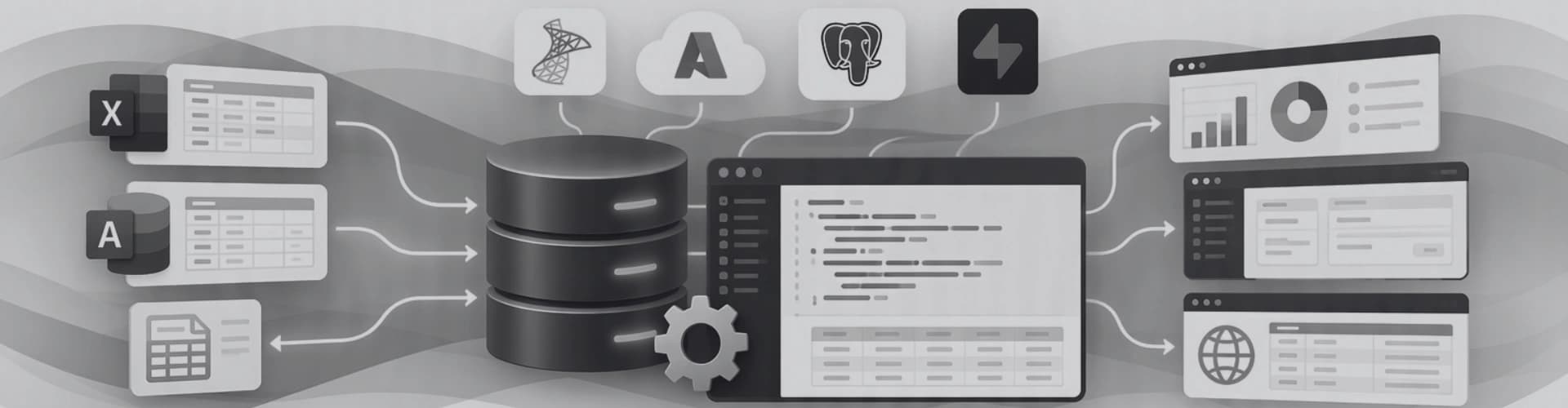
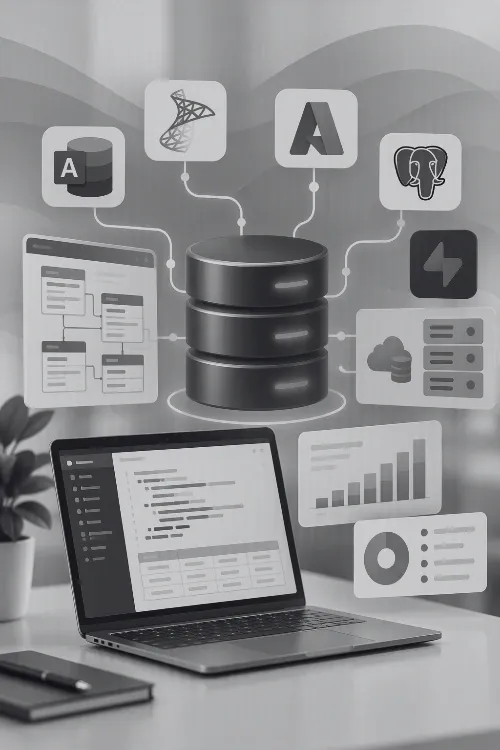
Our team of 25+ developers across Australia designs, builds, upgrades and supports databases on Microsoft Access, SQL Server and Azure, as well as modern web platforms such as PostgreSQL and Supabase. Every project starts with a business analysis session so the structure matches the way your people actually work.

Most requested!

Have an Access database that is slowing down or stuck on an old version?

Databases that break after an Office update, hit 32-bit and 64-bit conflicts or need their data moved to SQL Server or Azure make up a large share of our work. Our Access database upgrades and migration service keeps what works and fixes what doesn't, without starting from scratch.

Microsoft Access

The fastest route from spreadsheet to system

When a workbook is shared by several people, holds thousands of rows and is held together by lookups, it is usually time for a database. Access gives you proper tables and relationships, forms that guide data entry, and reports that don't break when someone sorts a column.

Access is included in several Microsoft 365 business plans on Windows, so many clients already have it installed. If you're unsure which tool you need, our guide to Access vs Excel covers the differences.

What a real database can do...

Forms that guide data entry
Screens built around each task, with drop-downs, validation and required fields so bad data never reaches the tables.
Reports and documents
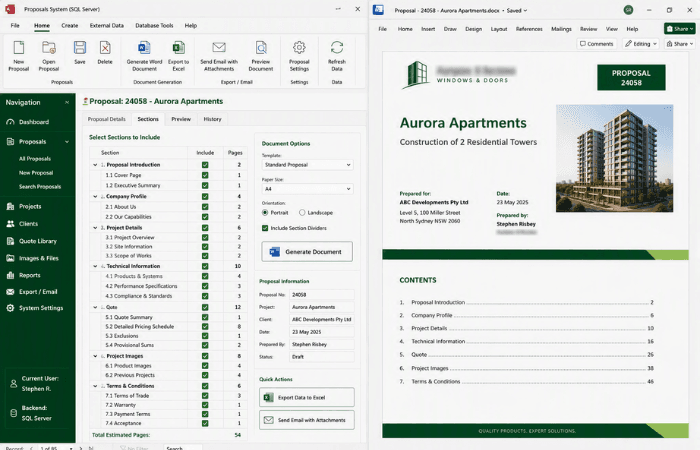
Printable reports, Excel exports and Word documents generated straight from your records with VBA automation.
Integration with Office and accounting
Outlook, Word and Excel automation, plus Xero and MYOB integration so invoices and customer records stay in step.
Shared by a small team
A split front end and back end lets several people work in the same database across your office network at once.
No licence for every user
The free Access Runtime lets staff use a finished database without a full Access licence on every PC.
Repair and performance tuning
Slow, bloated or corrupted files are fixed through Access optimisation and repair, often without users noticing anything but the speed.
SQL Server and Azure SQL

When Access needs a stronger back end

Access is a great front end, but its native file format has limits. Keeping the familiar Access forms and moving the data into SQL Server, on your own network or in Azure, removes those limits without retraining staff or rebuilding from scratch.

Database health check

  • File size creeping towards the 2GB limit
  • More than 10 to 15 people working at once
  • Staff need the data from home or other sites
  • The database is shared through Dropbox or OneDrive
  • Slow forms and constant compact and repair

Two or more of these usually means it is time to move the back end.

On your network or in the cloud

We connect Access to SQL Server on your own server, or host the data in Azure SQL Database so it is backed up, secured and available from anywhere with an internet connection.

Heavy lifting moves to the server

Queries, views and stored procedures run on SQL Server rather than across the network, so forms stay quick with hundreds of users and millions of rows. See how we build SQL Server back-end solutions.

One database, many front ends

Once the data lives in SQL Server it can feed Power BI reports, Power Apps, a customer portal or a .NET desktop application for organisations that can't install Access.

Web and mobile databases

Databases for the browser, the phone and beyond

Not every database belongs on a Windows desktop. When customers, contractors or field staff need to sign in from any device, the data sits behind a secure web or mobile app instead.

We build these front ends in Next.js and React, with React Native for mobile, through our app and custom development team. The database underneath is chosen for the job, inside or outside the Microsoft ecosystem, and existing data can be brought across from Access, Excel or SQL Server. For browser-based portals and customer logins, see our online solutions.

Choosing the right platform

Which database fits your business?

There is no single right answer. The best platform depends on how many people use it, where they work from, what it needs to connect to and who looks after it afterwards. Here is how the options we build on compare. If your team already lives in Microsoft 365, SharePoint lists and Power Apps are often the quickest win.

Microsoft AccessAccess + SQL Server or AzureSharePoint, Dataverse + Power AppsWeb database + custom app
People at onceUp to about 10 to 15HundredsOrganisation-wideUnlimited, including the public
Works fromOffice networkOffice, remote and cloudAnywhere via Microsoft 365Any browser or phone
LicensingIncluded in many Microsoft 365 plans, free RuntimeSQL Server Express is free, Azure SQL is billed monthlyMicrosoft 365, premium licences for DataverseHosting and usage based
Best forSmall teams replacing spreadsheetsGrowing databases that keep their Access formsApprovals, lists and forms inside Microsoft 365Customer portals, mobile apps and resellable products
Room to grow1 out of 42 out of 43 out of 44 out of 4
AI and your business data

Connect AI to the data your business already has

General AI tools know a lot about the world and nothing about your business. The value starts when an AI assistant can search your own documents, spreadsheets and databases, and answer with the source attached. We have spent more than 25 years building the Access, SQL Server, Excel and Power Platform systems that hold that data, so connecting AI to it is a natural next step.

Every answer is built from records the user is permitted to see, then returned with numbered sources.
  • Retrieval-augmented generation (RAG)

    The assistant searches your own content first, then answers using only what it found, with references back to the original document or record. Fewer invented answers, and every claim can be checked.

  • A private knowledge base for your business

    Policies, procedures, contracts and past proposals indexed so staff can ask questions in plain English instead of digging through folders. An AI chatbot trained on company documents, without those documents leaving your control.

  • Connect AI to your SQL database

    Ask which customers haven't ordered in 90 days and get the answer from SQL Server, Azure SQL, PostgreSQL or Access, with the query shown so it can be verified. Connections are read-only unless you decide otherwise.

  • Governed access to business information

    The assistant only sees what each person is already allowed to see, using Microsoft sign-in, role-based permissions and audit logs. Payroll, HR and other sensitive tables stay out of reach.

Case Studies

Database solutions from past projects

Frequently Asked Questions

Q1.

When should we move from Excel to a database?

Usually when several people edit the same workbook, the same details are typed into more than one place, files are copied and emailed around, or the workbook becomes slow and fragile. A database stores each record once, checks entries as they are made and lets several people work at the same time without overwriting each other.
Q2.

Is Microsoft Access still supported?

Yes. Microsoft has not announced an end-of-life date for Access, and it is included in Microsoft 365 and Access LTSC 2024. Support is handled version by version, so older versions such as Access 2016 and 2019 no longer receive security updates. If you are running an older version, we can upgrade the database and resolve any compatibility issues.
Q3.

How many users can an Access database support?

A well-built Access database split into a front end and back end comfortably supports around 10 to 15 people working at the same time over a local network. Beyond that, or when users need remote access, we move the data to SQL Server or Azure SQL and keep the Access forms your staff already know.
Q4.

Can you upgrade or migrate our old Access database?

Yes, this is one of the most common jobs we take on. We fix 32-bit and 64-bit conflicts, update broken VBA and references, convert old file formats, move back ends to SQL Server or Azure, or rebuild the database as a web or Power Platform app when that is the better option. We assess the database first and recommend the least disruptive path.
Q5.

Should our database be on our own server or in Azure?

On-premises SQL Server suits organisations with existing servers and staff who work mainly in the office. Azure SQL suits teams who work remotely or across several sites, and removes the need to maintain hardware, patching and backups. We can recommend an option based on your users, budget and security requirements.
Q6.

Can our database be used from a web browser or phone?

Yes. Once the data is in SQL Server, Azure SQL or a web database such as PostgreSQL or Supabase, we can build a secure web portal in Next.js and React or a mobile app in React Native, while staff continue to use desktop forms if they prefer.
Q7.

Do you work with non-Microsoft databases such as PostgreSQL, Supabase, Firebase or MongoDB?

Yes. Alongside Access, SQL Server and Azure SQL, we build on PostgreSQL, Supabase, MySQL, Firebase and MongoDB. We choose the platform based on the job, such as relational reporting, real-time mobile data or flexible document storage, rather than defaulting to one vendor.
Q8.

Can AI work with our own documents and databases?

Yes. Using retrieval-augmented generation (RAG), an AI assistant searches your documents, SharePoint sites, spreadsheets and databases, then answers using only what it found and shows the sources. This allows staff to ask plain-English questions about company information without the assistant guessing.
Q9.

Is our data safe if we connect AI to it?

We design AI connections so each person only sees the information they are already permitted to access, using Microsoft sign-in, role-based permissions, read-only database connections and audit logs. Assistants can be built inside your own Microsoft tenant when your data must stay there.
Q10.

How much does a custom database cost?

Cost depends on the number of tables and forms, reporting and document output, integration with other systems, data migration and where the database will be hosted. A small Access database is a modest project, while a multi-user web platform is larger. We provide a fixed quote or estimate after an initial consultation.
Q11.

Can you take over a database someone else built?

Yes. We regularly support, repair and extend databases built by former staff, other developers or with AI tools. We review the structure and code first, document how it works, then fix immediate problems before recommending improvements.

Contact Us

Get in touch with our team for general enquiries and support. We're here to help with any questions you might have about our services.

Request a Quote

Need pricing for a specific project? Fill out our quote form and we'll provide you with a detailed estimate tailored to your needs.